
Build your own business software without writing code.
Customer portals, CRMs, helpdesks and approval apps — on the database you already have. Drag and drop the screens, or describe them to your AI assistant.
No card needed Your data stays yours
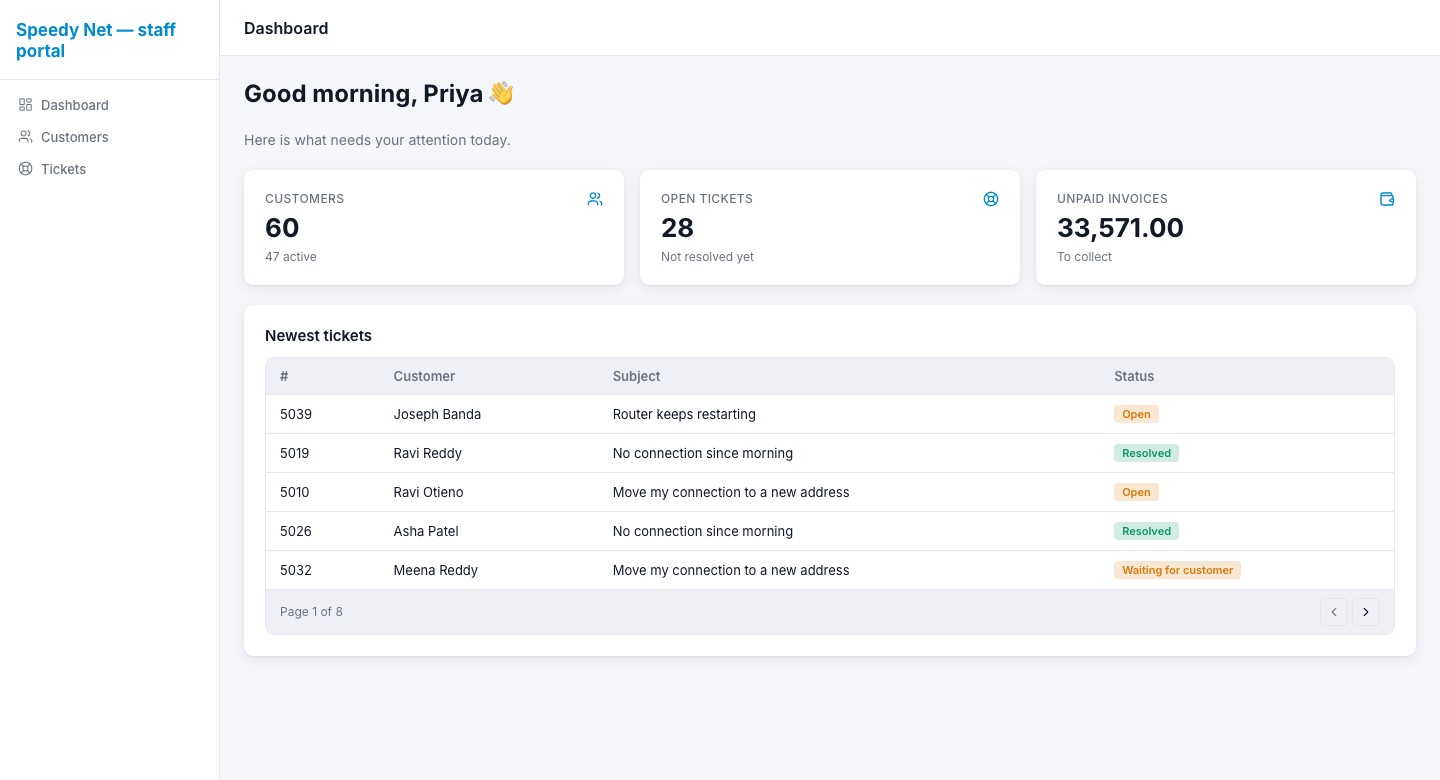
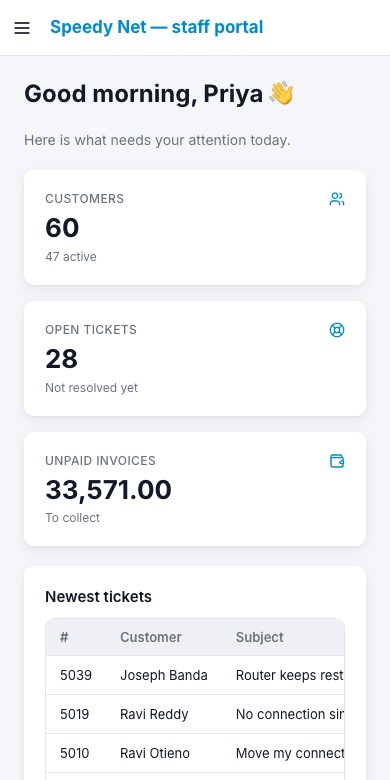
Works with the database you already have — or any REST API
- PostgreSQL
- MySQL
- SQL Server
- MongoDB
- ClickHouse
- Snowflake
- BigQuery
- Redis
- Elasticsearch
Two tools. One way to build.
VedaQL turns your database into secure APIs. VedaUI builds the screens on top and runs them for your customers and your team.
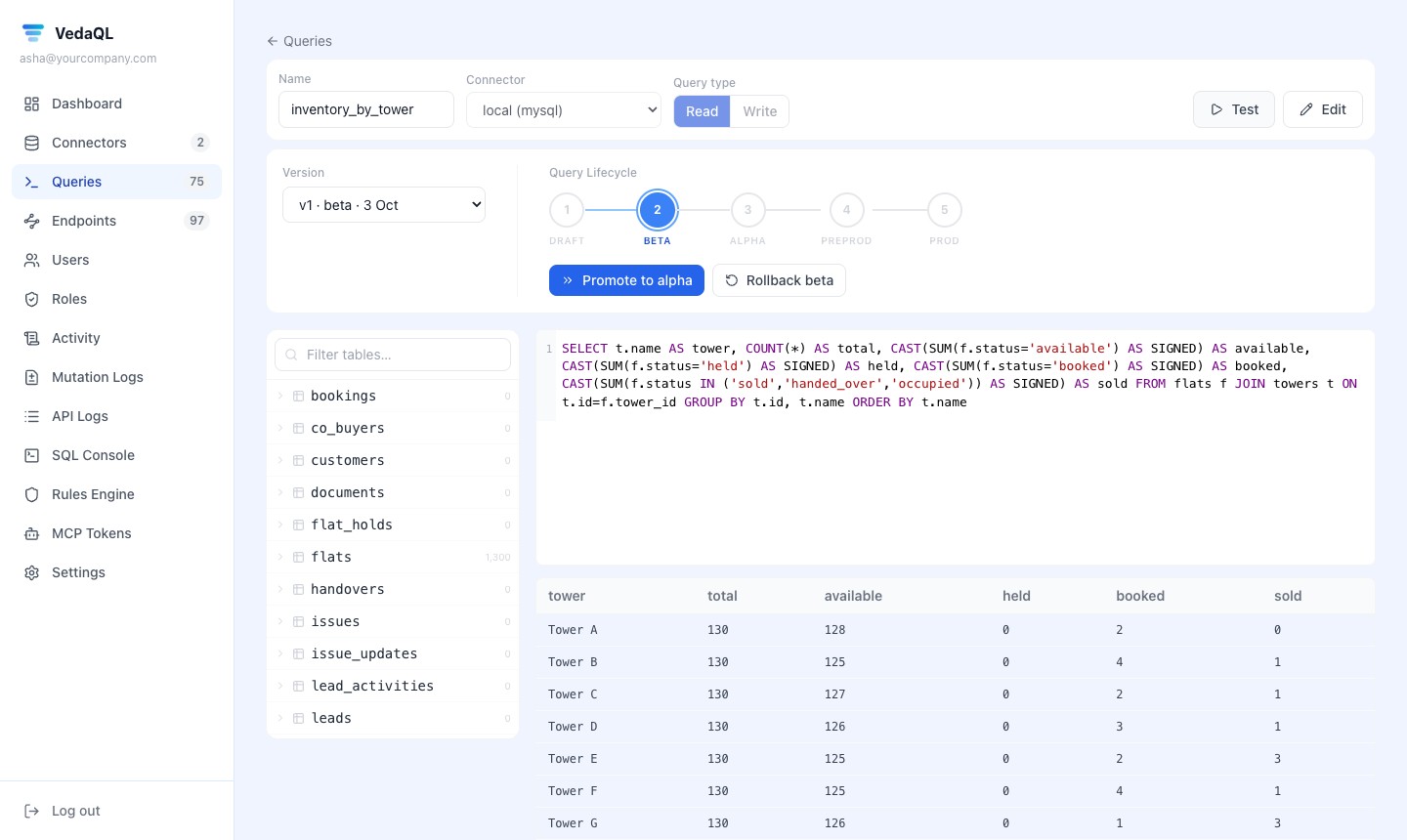
Your database, as a secure API.
Write the SQL you already know. VedaQL runs it on your own database and turns it into an API with a key — no data copied anywhere.
- Test stages from draft to production
- Versions, caching and a log of every call
- Control which tables and columns can be used
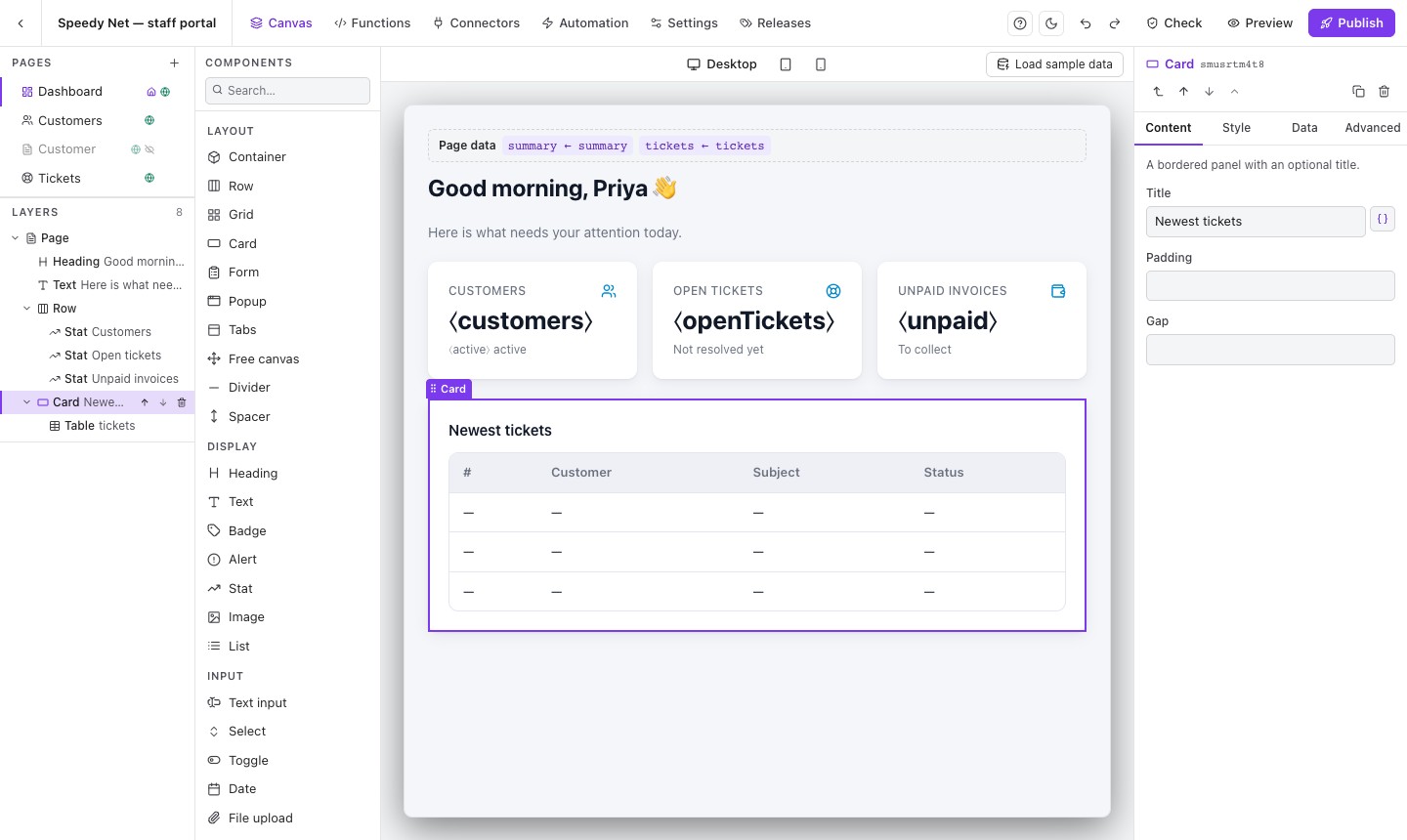
Drag and drop the screens.
Tables, card lists, boards, forms, charts, tabs and popups. The builder shows your real theme, so what you see is what your users get.
- Over 30 building blocks
- Pick the data for each block — no code
- Or describe the page to your AI assistant
Software people actually work in.
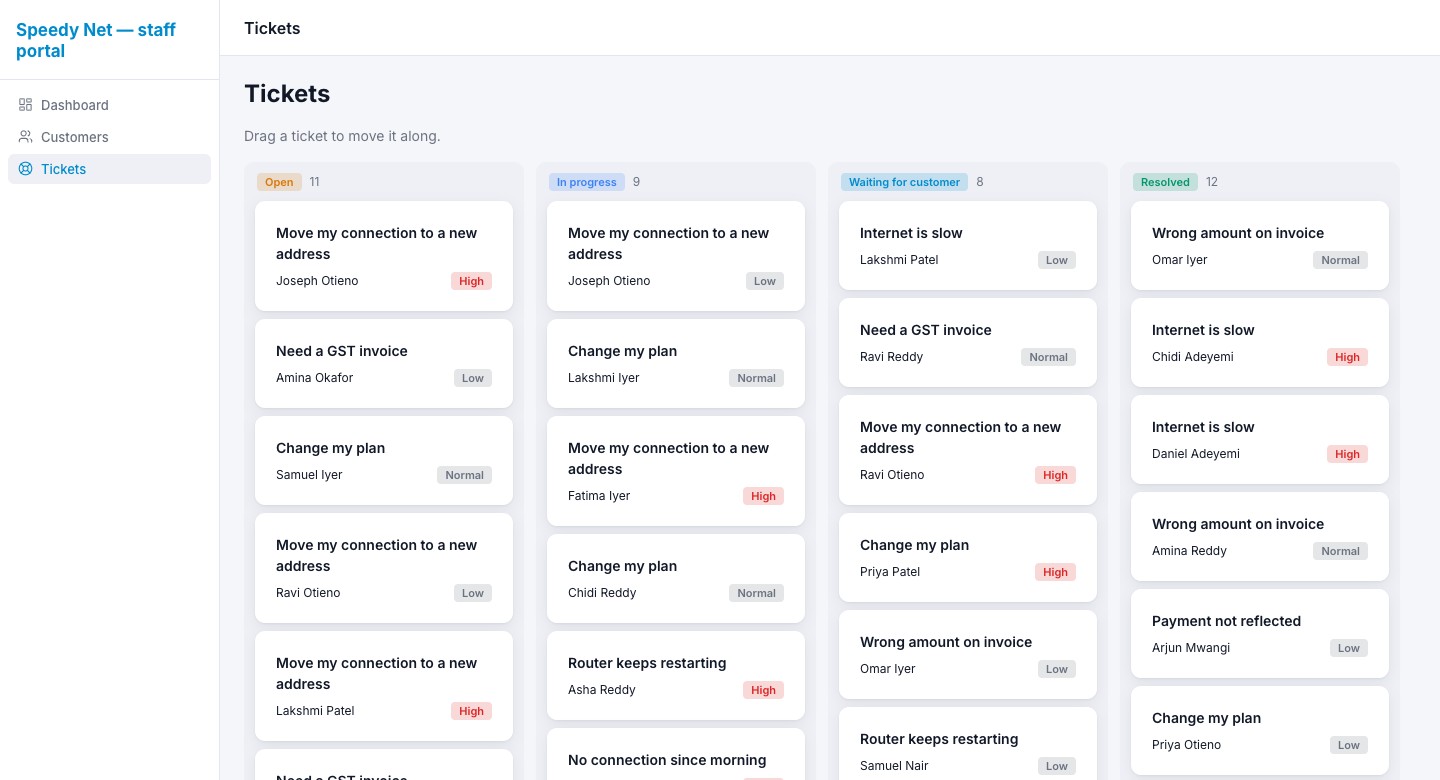
Search and export long lists, open a record in a side panel, drag tickets across a board. Each person sees only what their role allows.
- Sign-in with your own login system
- Your brand and your own web address
- Works on phones
Change it safely, any time.
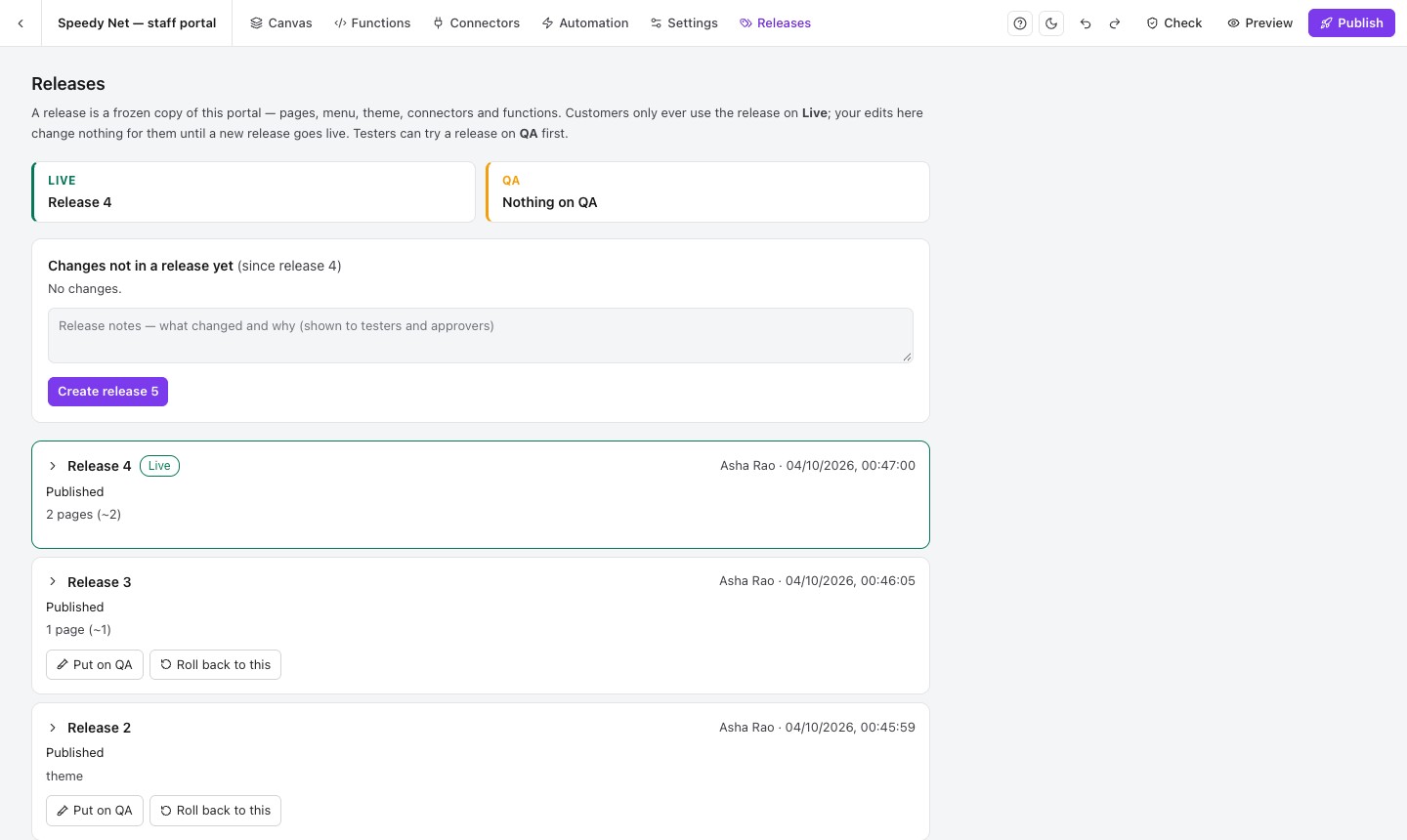
Every publish is a release. Try it on QA, have it approved, put it live — and roll back to an earlier release in one click.
- Your users only see releases you put live
- QA testers and approvers
- One-click roll back
Your business doesn’t fit someone else’s software.
Ready-made software makes you work its way. Custom development makes you wait. Most no-code tools want your data copied into them.
| What matters | Ready-made software | Custom development | Other no-code tools | VedaApps |
|---|---|---|---|---|
| Fits the way you work | No | Yes | Yes | Yes |
| Live in days, not months | Yes | No | Yes | Yes |
| Data stays in your own database | No | Yes | Sometimes | Yes |
| For your customers, not only staff | Sometimes | Yes | Sometimes | Yes |
| Change it without developers | No | No | Yes | Yes |
Build with AI. Stay in control.
VedaUI and VedaQL each have their own MCP server (Model Context Protocol), so AI assistants like Claude can build your screens and work with your data — through the same rules your team uses.
- 1Create an API key
In VedaUI → API keys. Each key belongs to one team member.
- 2Paste the prompt
VedaUI gives you a ready prompt. Paste it into Claude, or any assistant that supports MCP.
- 3Describe what you want
“Add a ticket board where managers approve refunds.” Then open it in the builder.
The AI builds your software.
- Creates and changes pages
- Sets up connectors and functions
- Applies your theme and menu
- Runs the portal check
The AI uses your data.
- Your endpoints become AI tools
- Ask questions about your data
- Same access rules as your APIs
What you can build.
Software shaped around how your business works — for your customers, your partners and your team.
All use cases →- Customer self-service portalBills, payments, usage, tickets and profile.
- Sales CRMLeads board, follow-ups and pipeline.
- HR and employee requestsLeave, expenses and assets, with approvals.
- Helpdesk and ticketingTicket board, assignment and replies.
- Partner and reseller portalsEach partner with their own logo and settings.
- Operations dashboardsLive numbers from your database.
Questions people ask first.
Do you copy or store our database records?
No. VedaQL runs your queries against your own database when a page asks for data. VedaUI stores only how your software is built — pages, settings and connections.
Can we use our own web address and our own login?
Yes. Publish to your own address, and sign people in with your existing system’s login (recommended — your users keep their accounts) or with VedaUI accounts.
Can we host it ourselves?
Talk to us. VedaUI runs as a set of Docker containers, so it can be installed on your own server.
Try it on your own work.
7 days free, no card. Your own workspace with a sample project to open, change and publish — and your own VedaQL database to try things on.